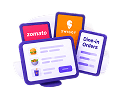
Tablets everywhere. Swiggy, Zomato and dine-in orders on three different screens.
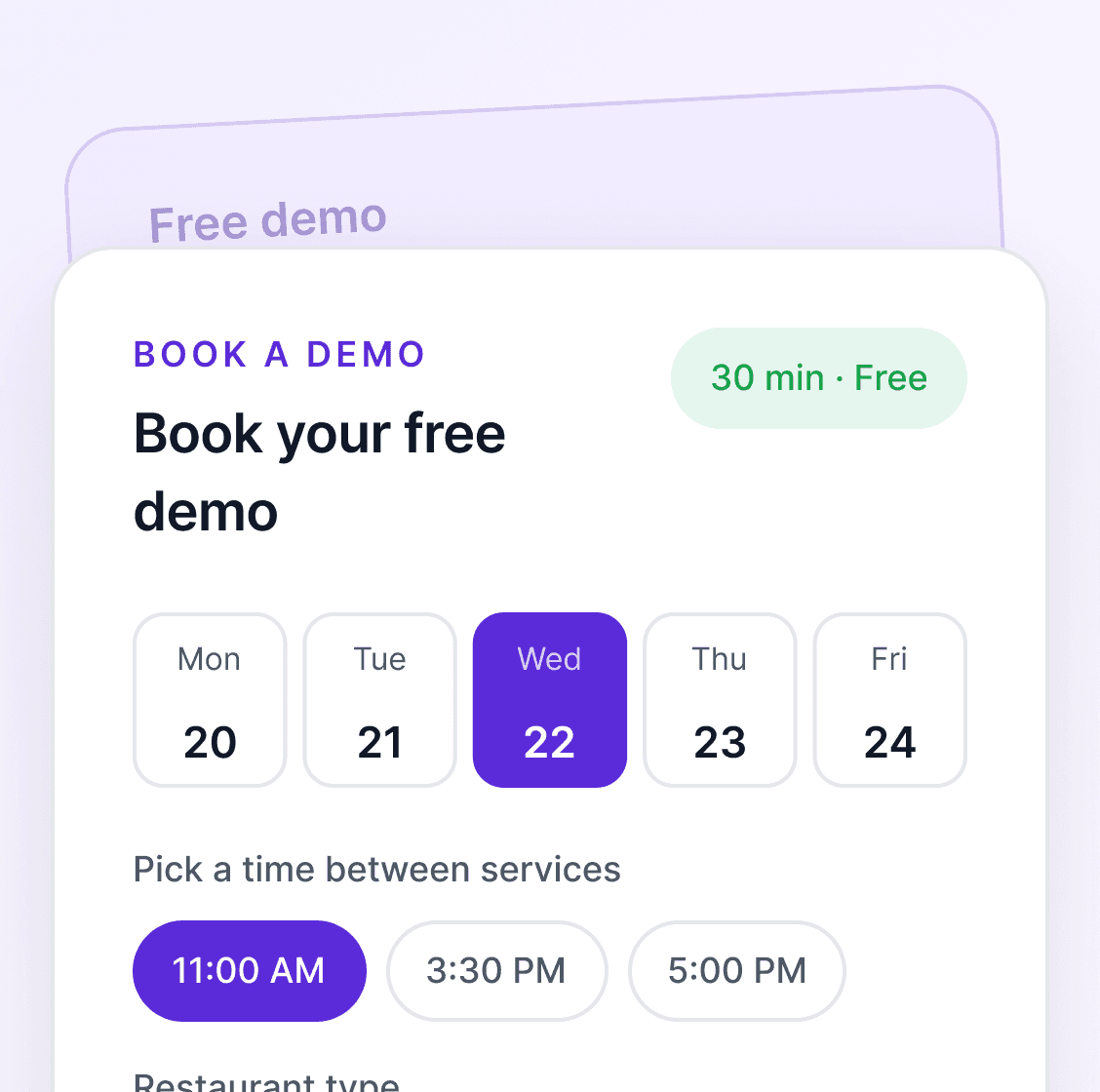
See reecost Restaurant on your own menu. Book a free demo and we’ll help you set up. Book free demo →

Tables, kitchen orders, delivery, stock and accounts, connected in one system built for restaurant teams.
Book a free demo
The daily headache
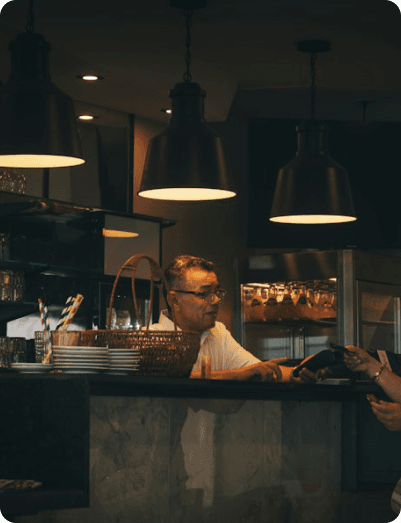
Running a restaurant should feel exciting, not like chasing orders across tablets and paper slips.
Tablets everywhere. Swiggy, Zomato and dine-in orders on three different screens.
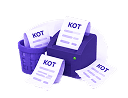
Lost KOTs. Paper slips go missing, and the wrong dish reaches the wrong table.
There is a simpler way.

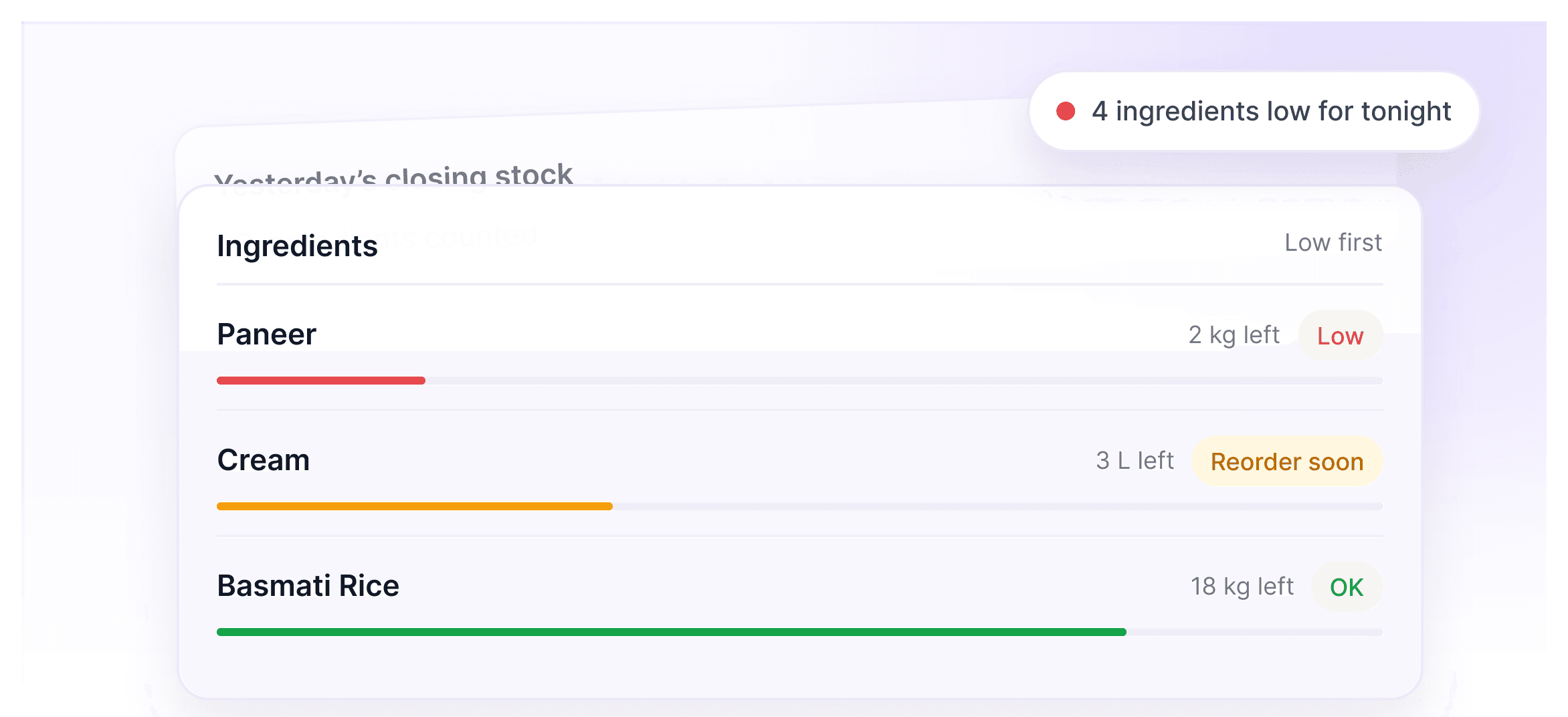
Stock runs out mid-service. Paneer is over at 8 pm on a Saturday.
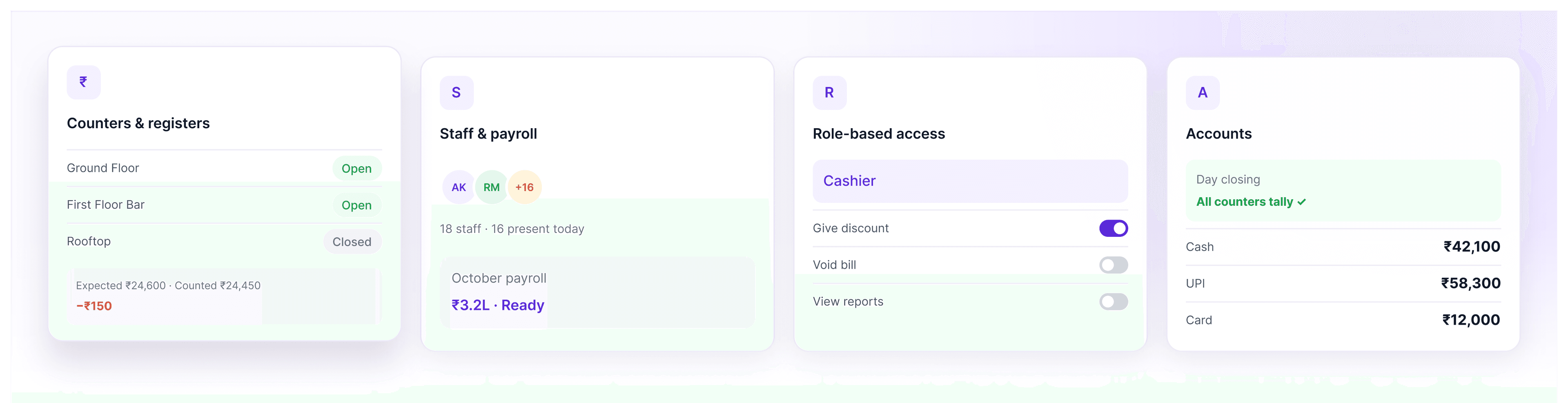
Counters don't tally. Each floor closes with different cash, and nobody knows why.
Tables, orders, kitchen, delivery and accounts, connected for the way restaurants work.
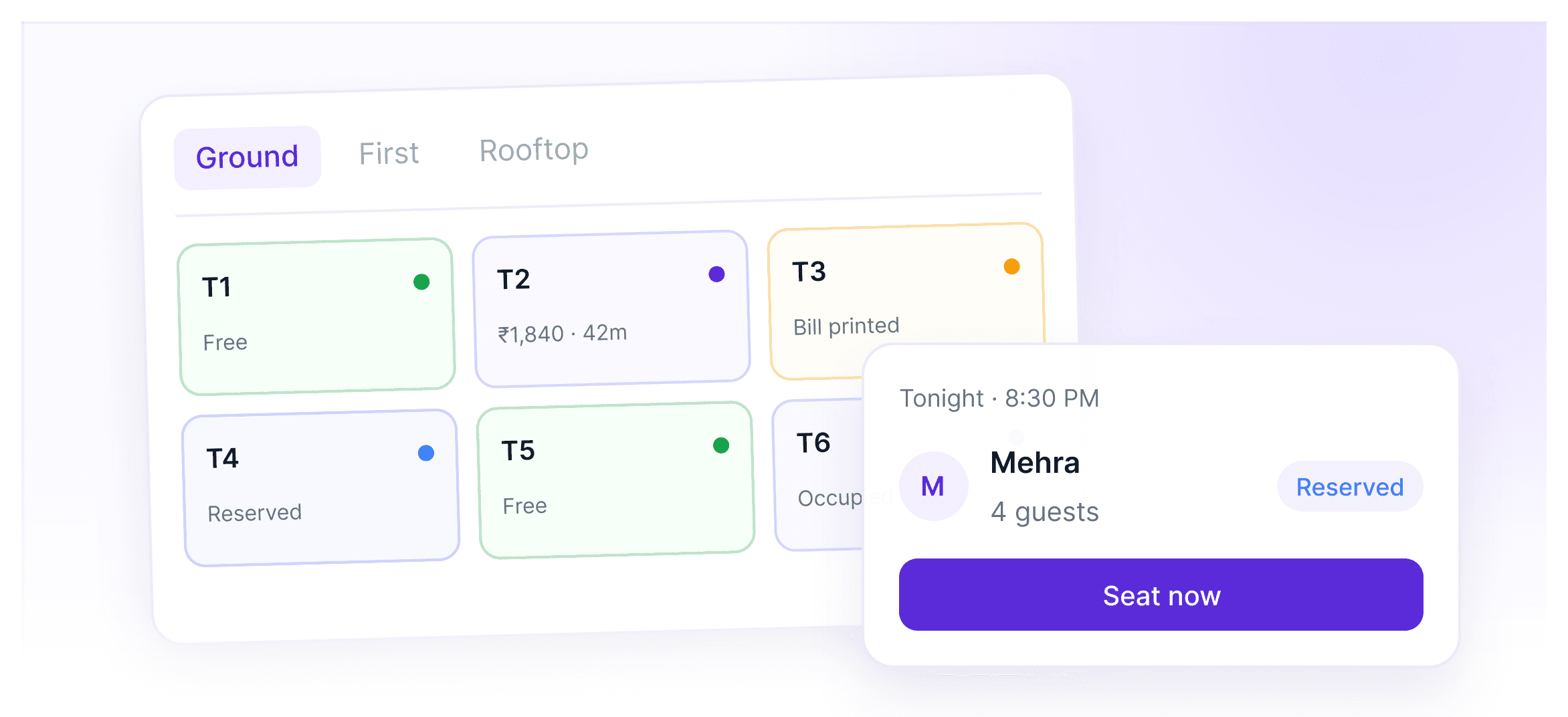
A live floor plan for each floor and area, with tonight's reservations right on it.
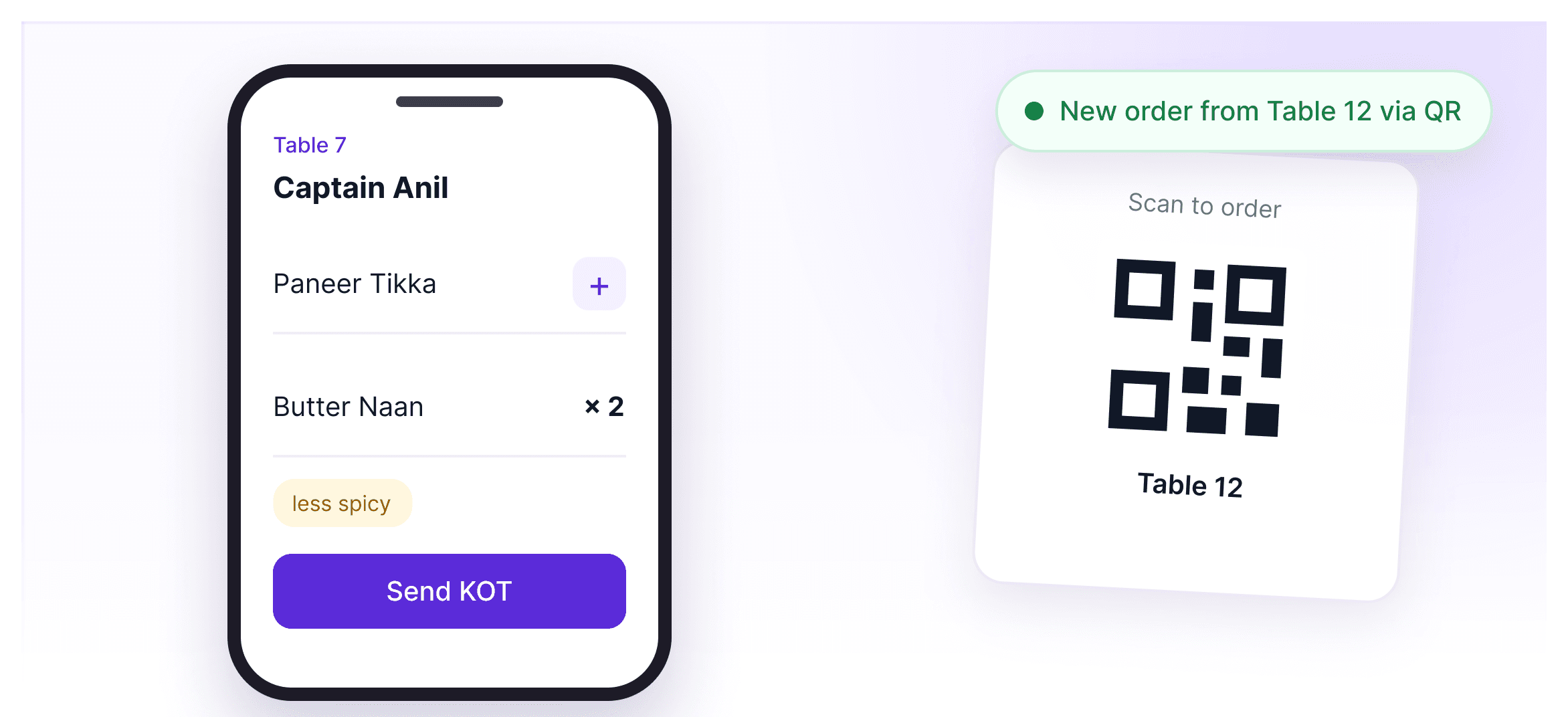
Captains take orders on their phone, or guests scan the QR and order themselves. Both reach the kitchen instantly.
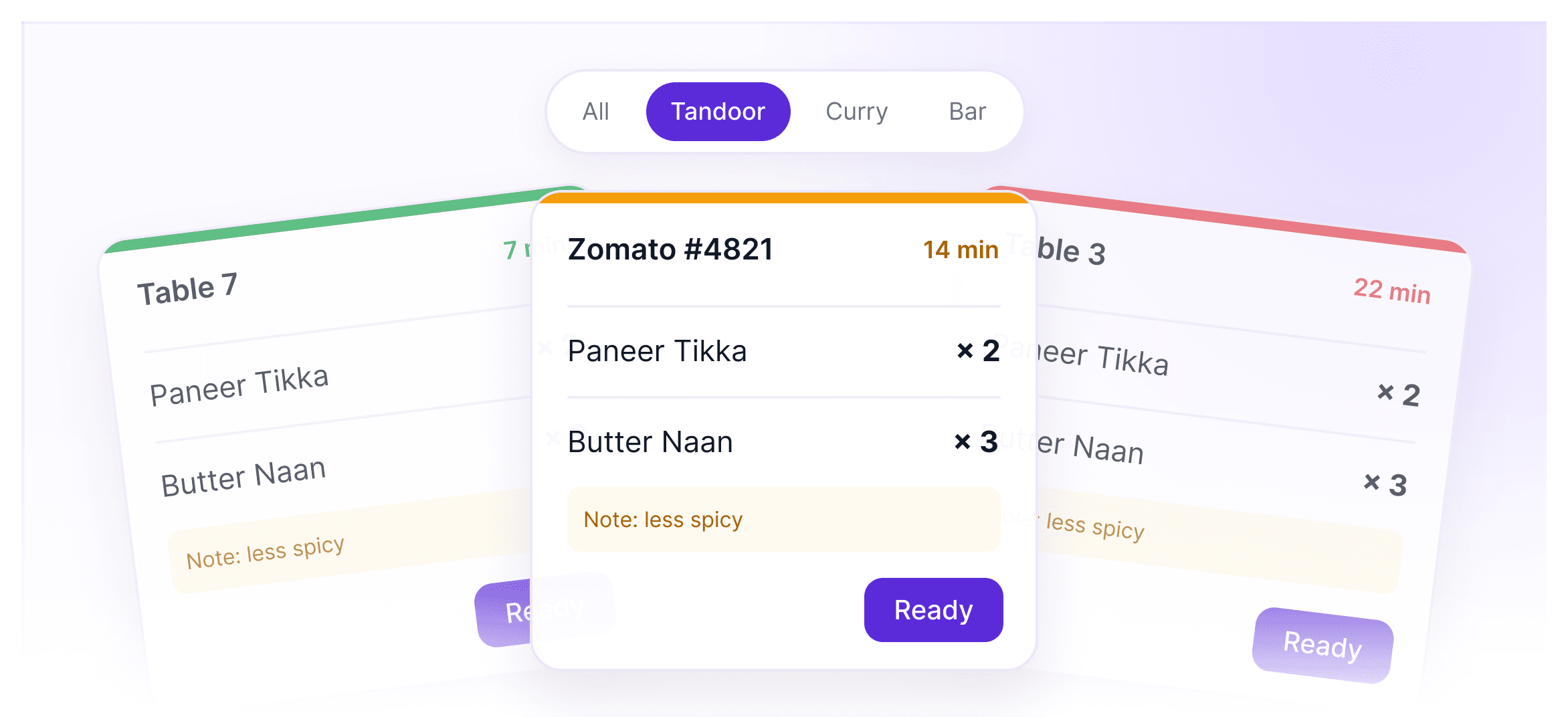
Orders appear on the kitchen display the moment they're placed, sorted by station, with late dishes flagged.
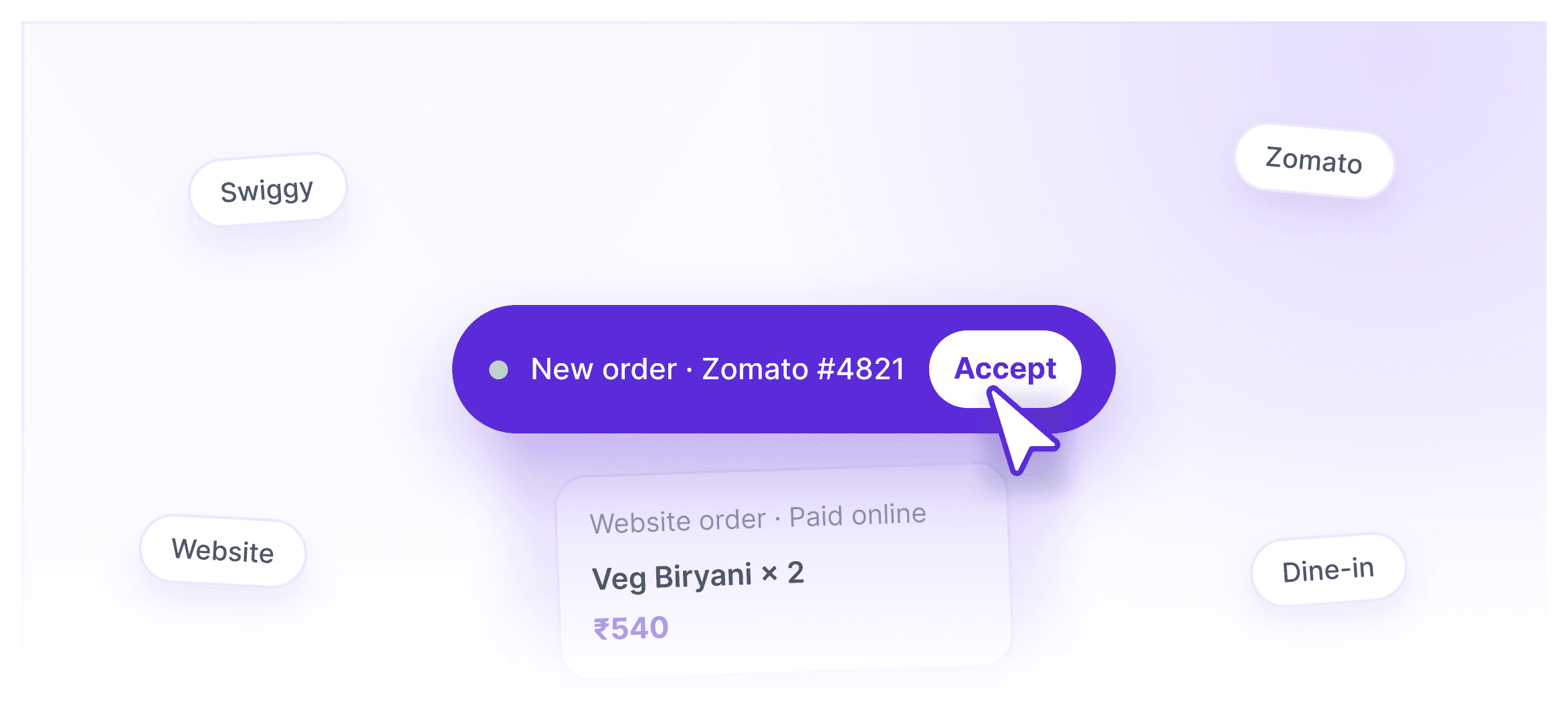
Live delivery orders and orders from your own website land on one screen, with no extra tablets.
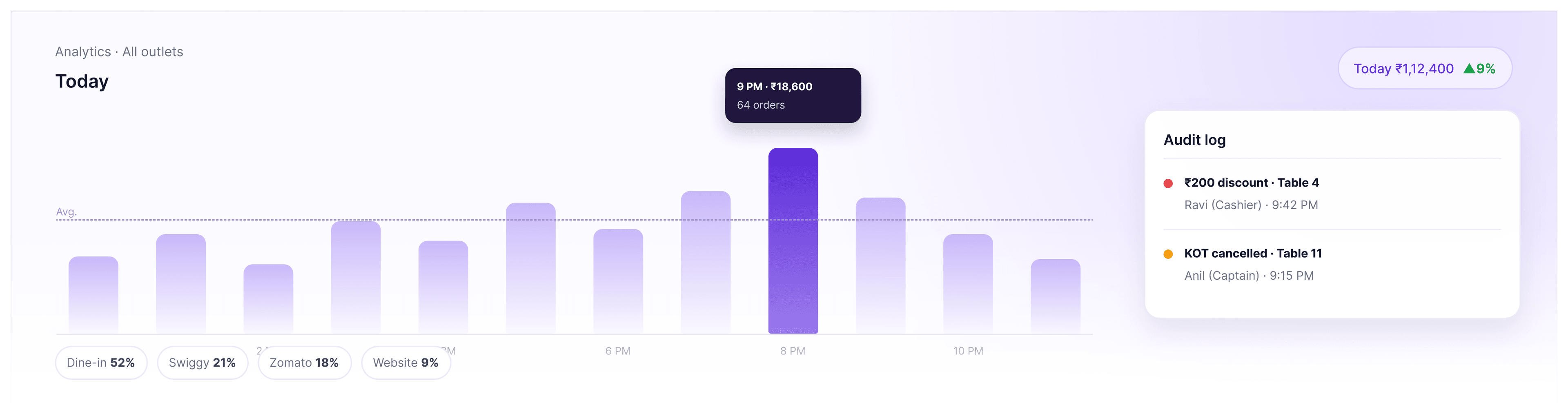
Sales by hour, channel and dish across outlets, plus an audit log of every discount, cancellation and void.
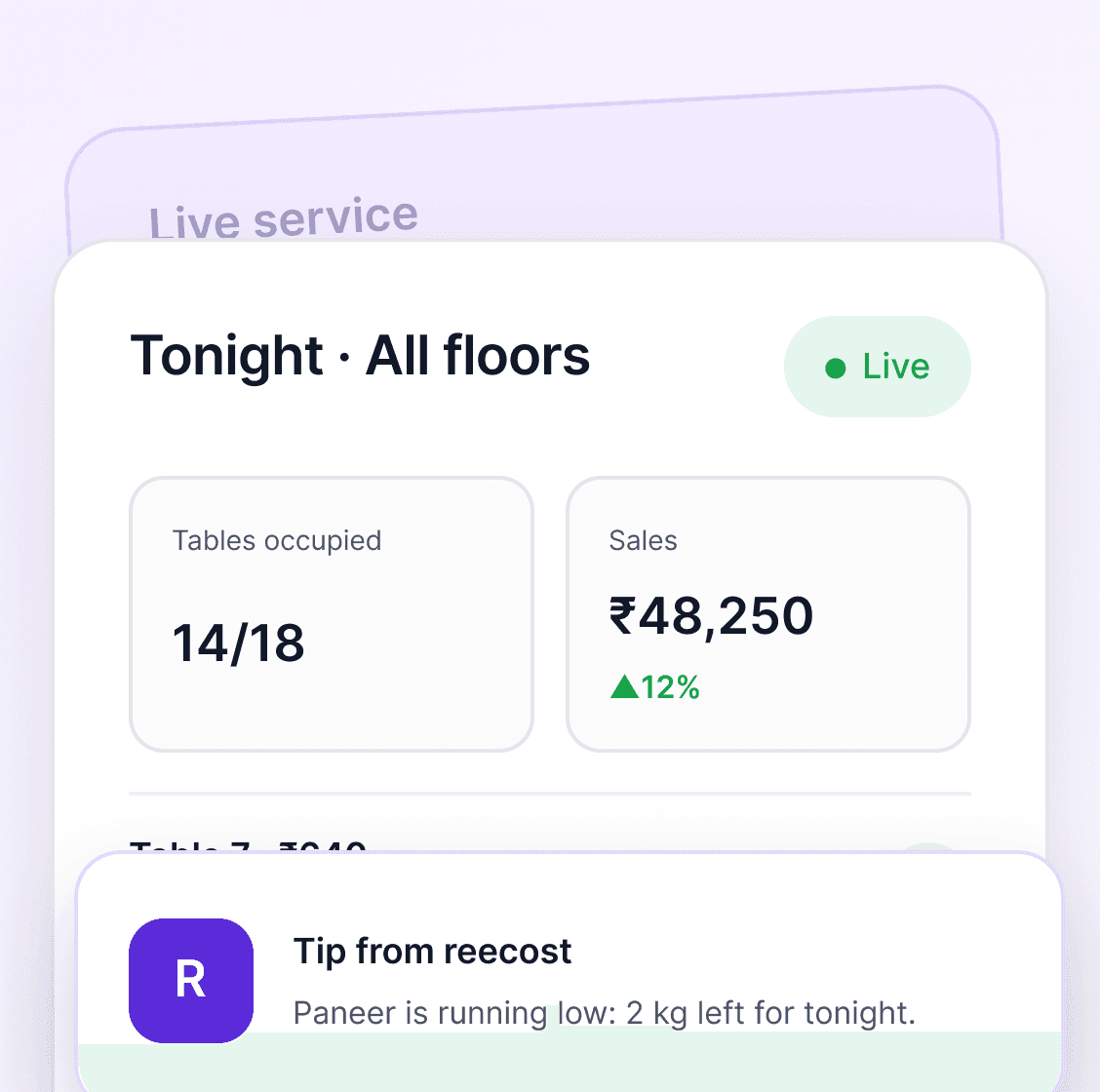
Ingredients running low show up first, so you can restock before the dinner rush.
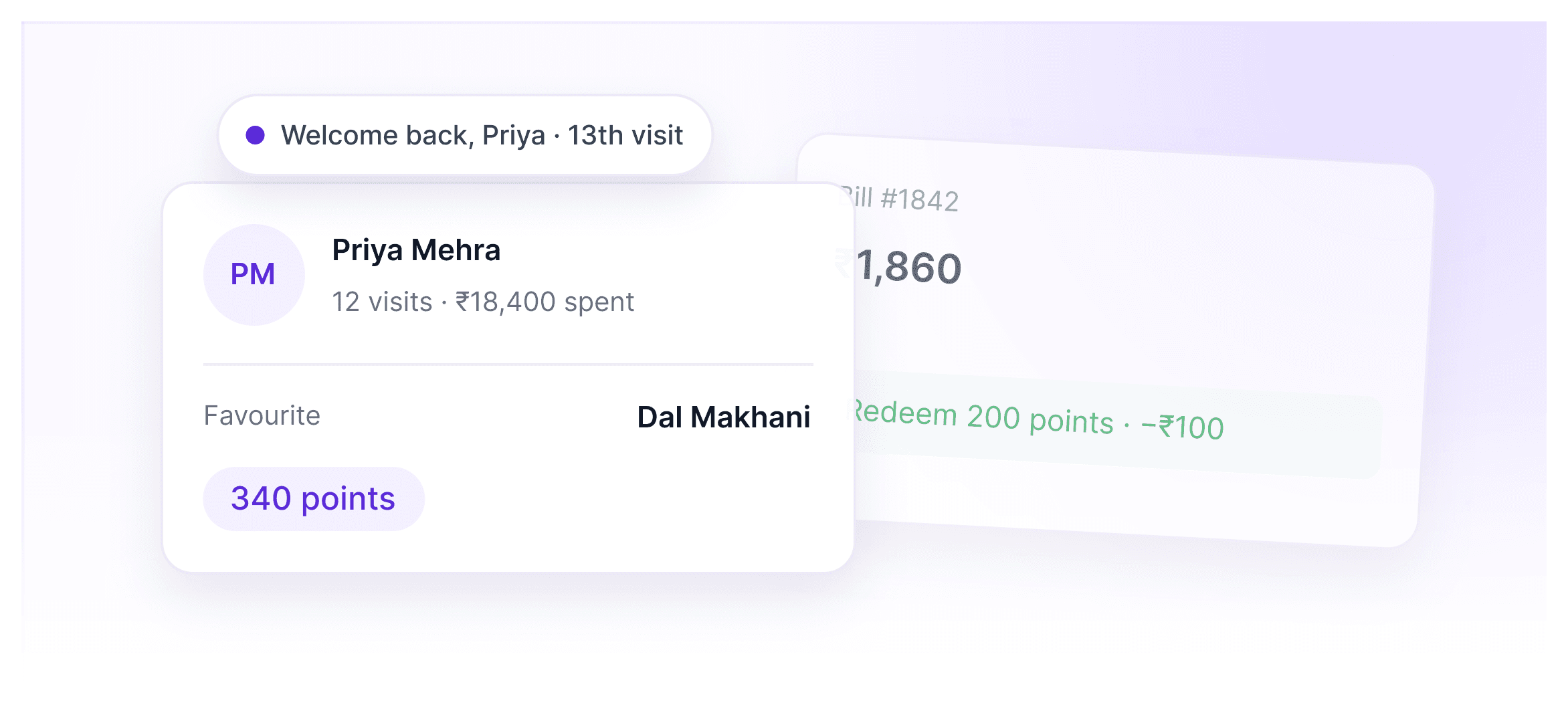
Every guest's visits, spend and favourite dishes, with loyalty points they earn and redeem on every bill.
Open and close registers on every floor, pay your staff, control who can do what, and keep your books accurate every day.
How it works
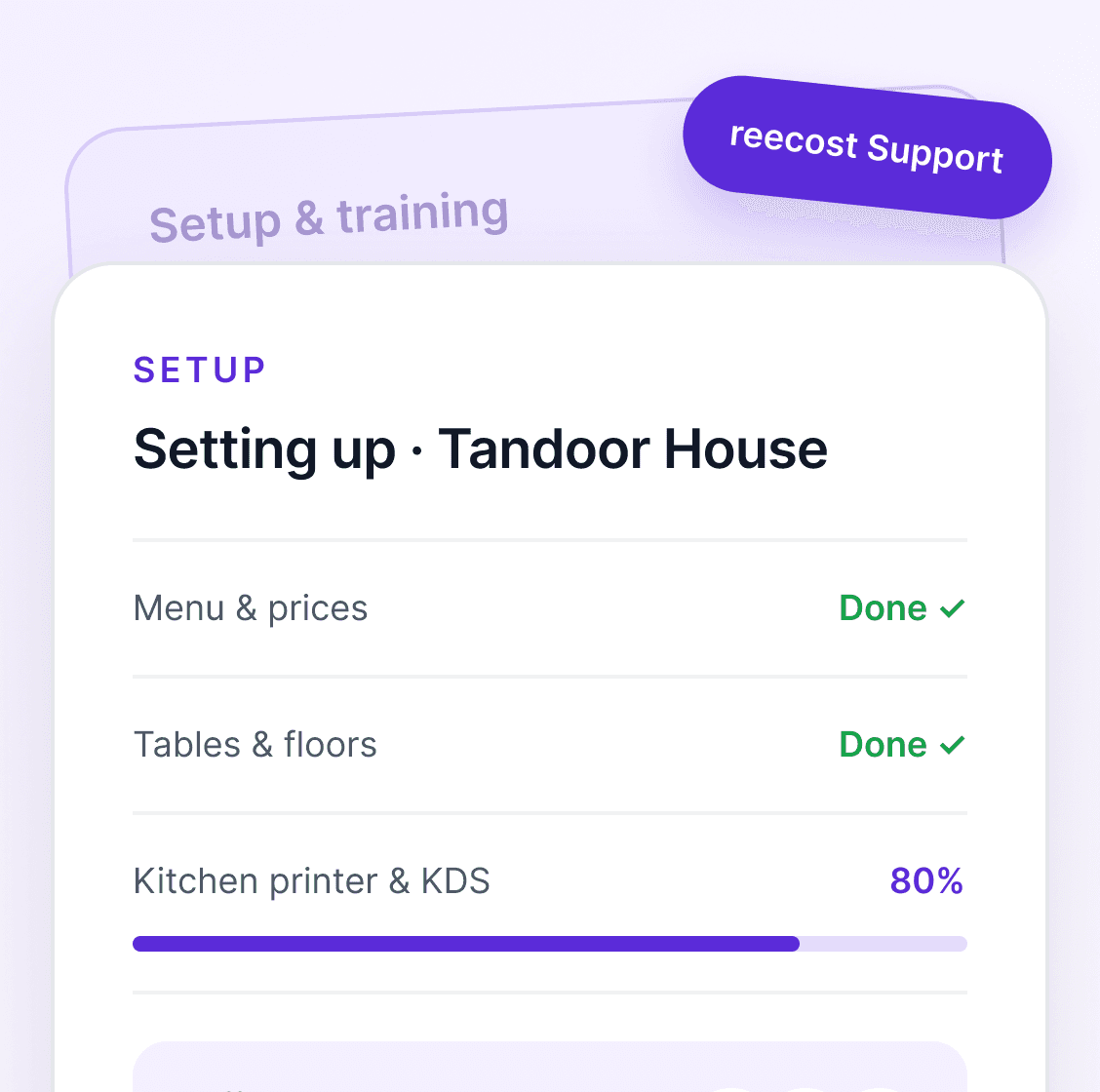
We help with setup and staff training, so you can focus on the next service.
See reecost running on your own menu, tables and counters.
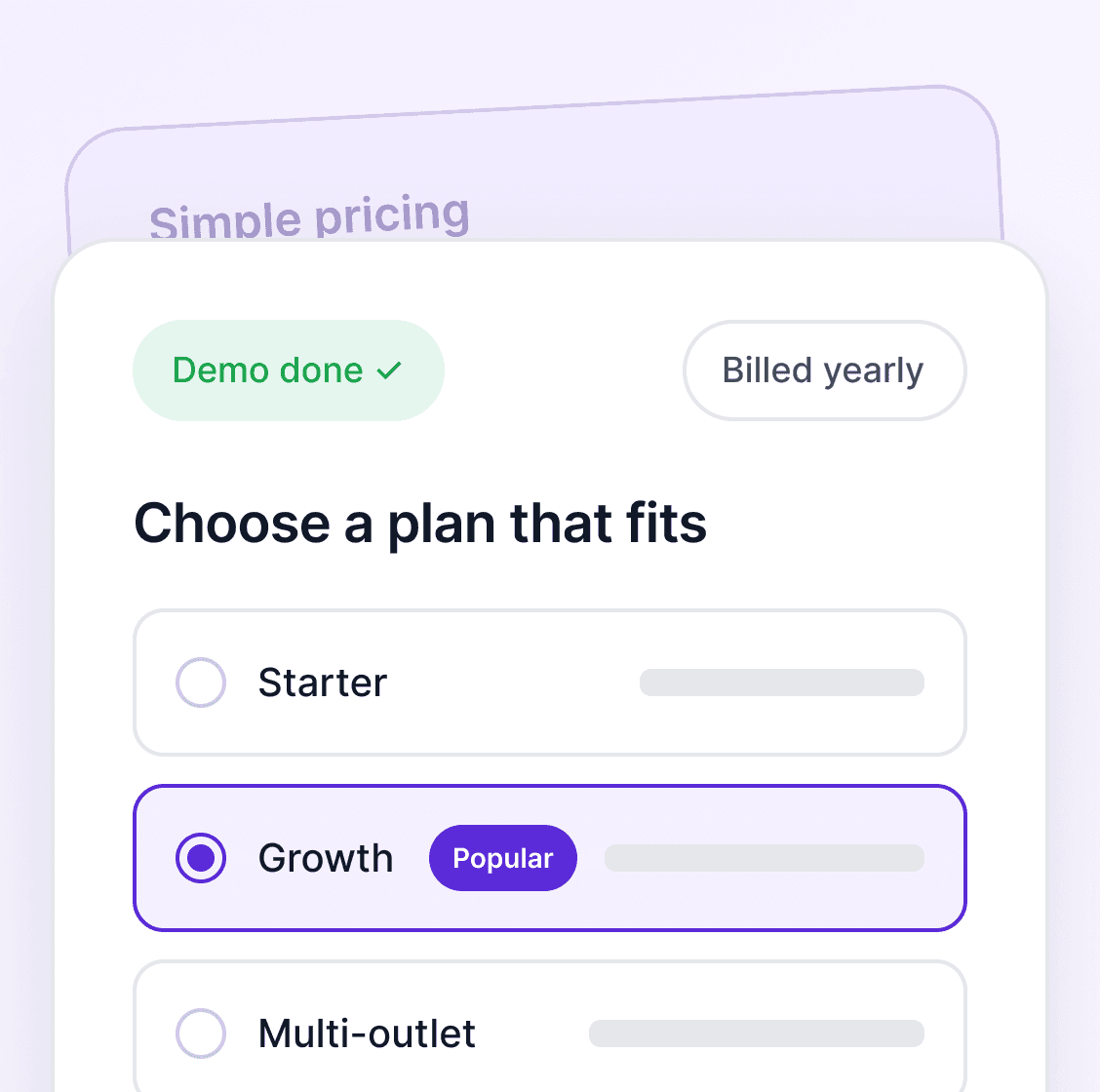
Pick a yearly plan that fits your outlets. No surprise add-ons.
We add your menu, tables and counters, and train your staff.
Take orders, run the kitchen and track every outlet from one place.
Who it’s for
From a single café counter to a chain of supermarkets, reecost fits how your business already runs.
.png&w=3840&q=75)
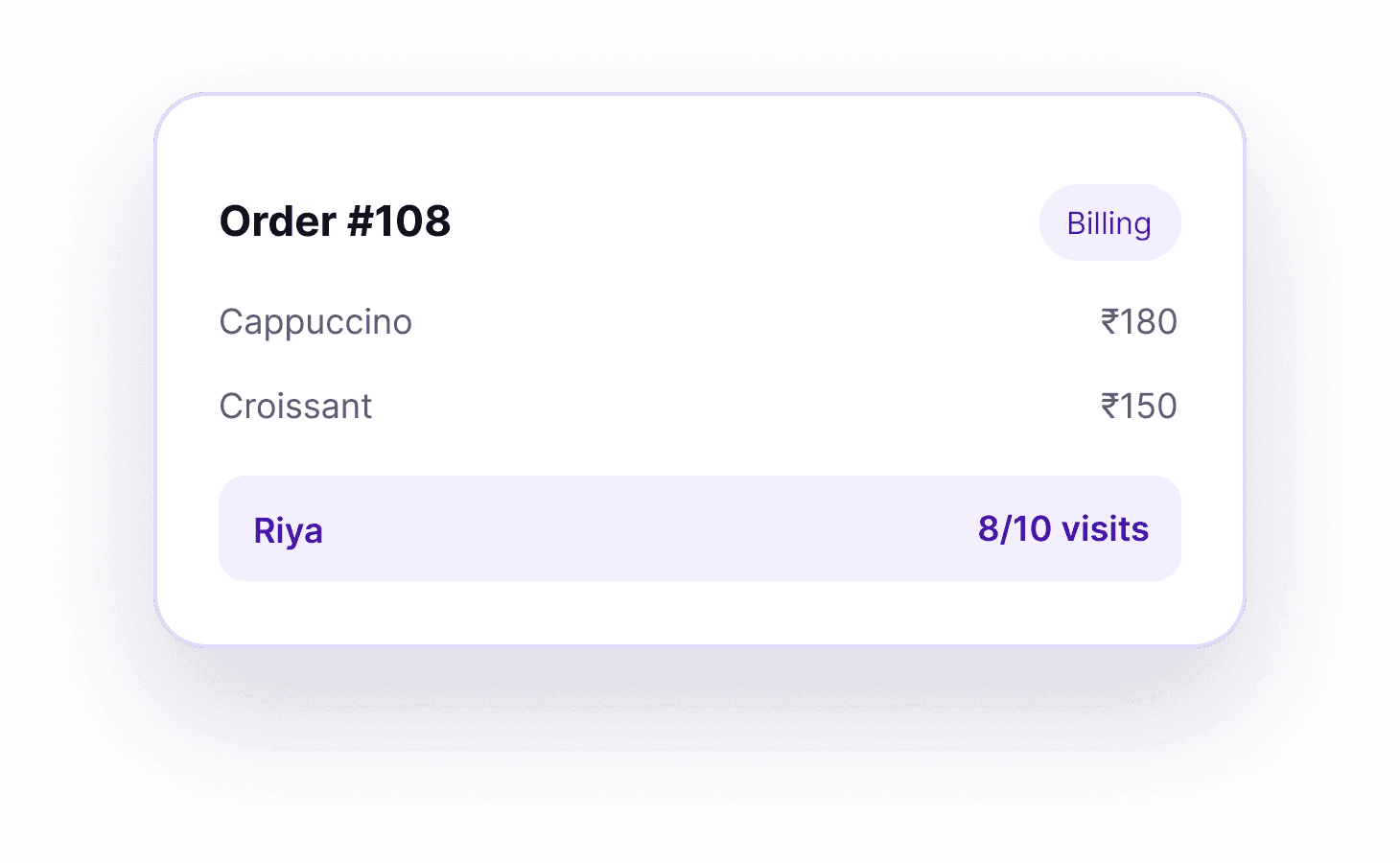
Bill in seconds at the counter and keep regulars coming back with points and offers.
See how it worksAdd only what you need: a captain app, kitchen screen, online ordering, table reservations or a central kitchen, each as a yearly add-on.
Talk to Our TeamYes. Keep taking orders and billing even when the internet is down. reecost syncs everything when you’re back online. Swiggy and Zomato orders need the internet to come in.
Yes. New orders pop up on the same screen as your dine-in orders. Accept them, send them to the kitchen and mark them ready without switching tablets.
Yes. Each table gets its own QR code. Guests scan it, browse your menu and place the order, and it reaches the kitchen with the table number.
Captains can take orders on any Android phone, add notes like “less spicy”, and send them straight to the kitchen.
Either works. Use a kitchen display, print KOTs on a kitchen printer, or mix both across your kitchen stations.
Yes. Each floor or area, like the bar, rooftop or takeaway, gets its own register. You open and close it with its own cash count.
Yes. Set roles like manager, captain, cashier and chef, and choose who can give discounts, cancel KOTs, void bills or see reports. Every change is recorded in the audit log.
Yes. Once you choose a plan, our team adds your menu, tables and counters and trains your staff, so you’re ready before your first service.
Your next service starts here
Tell us a little about your restaurant. Our expert will show you exactly how reecost fits, using your own menu and tables.